Web Phone 101: Features, Benefits, and Setup Guide
Published: 4 Feb 2026
A web phone is a special tool that lets you make calls using the internet instead of regular phone lines. It’s a simple and fun way to talk to friends and family, no matter where they are in the world! With apps like WhatsApp and Skype, you can make free voice and video calls, send messages, and share pictures. Imagine being able to call anyone, anytime, without worrying about big phone bills. It’s easy, fast, and perfect for staying connected!
What is a Web Phone and How Does It Work?
A web phone is a device or application that allows you to make voice and video calls over the internet, instead of using traditional telephone networks. It works by connecting to the web using Voice over Internet Protocol (VoIP) technology. VoIP turns your voice into data packets and sends them over the internet to the person you’re calling, rather than using the usual phone lines.
How it works:
- Internet Connection: A web phone requires a stable internet connection (Wi-Fi or mobile data).
- VoIP Technology: This technology allows your voice to be converted into digital data, which is then transmitted over the internet.
- Devices: You can use a web phone through devices like smartphones, computers, or specialized web phone hardware (like IP phones).
- Applications: Many popular apps like Skype, WhatsApp, and Zoom use web phone technology to offer calling features.
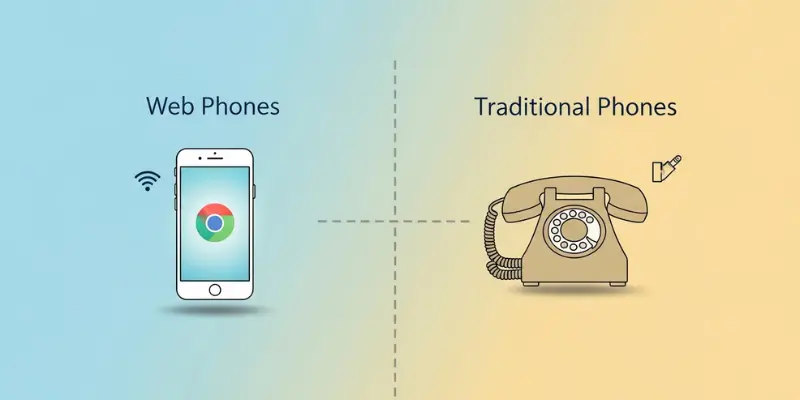
Key Differences Between Web Phones and Traditional Phones
Web phones and traditional phones may serve the same purpose, making calls, but they operate in different ways. Here are the main differences:
Connection Type
- Web Phone: Uses the internet (Wi-Fi or mobile data) to make calls, relying on VoIP (Voice over Internet Protocol) technology.
- Traditional Phone: Connects through landlines or cellular networks, using dedicated phone lines.
Cost
- Web Phone: Generally cheaper, especially for long-distance and international calls. Many services offer free calls within certain networks (like WhatsApp or Skype).
- Traditional Phone: Can be more expensive, particularly for long-distance or international calls, as they rely on phone service providers.
Flexibility
- Web Phone: You can use it on various devices like smartphones, computers, and tablets, as long as there is an internet connection.
- Traditional Phone: Restricted to landlines or mobile phones, and usually tied to a specific device.
Additional Features
- Web Phone: Often includes extra features like video calling, text messaging, and file sharing, all integrated into the same app (e.g., Zoom, Skype).
- Traditional Phone: Limited to voice calls, with some mobile phones offering basic text messaging.
Call Quality
- Web Phone: The call quality can depend on your internet connection. Poor internet may cause issues like lag or dropped calls.
- Traditional Phone: The call quality is generally consistent and reliable, as it depends on the phone network rather than the internet speed.
Security
- Web Phone: Calls and messages are encrypted, but there is always a slight risk with internet-based communication, especially on unsecured networks.
- Traditional Phone: Phone lines are generally secure, though mobile networks can have their own security risks.
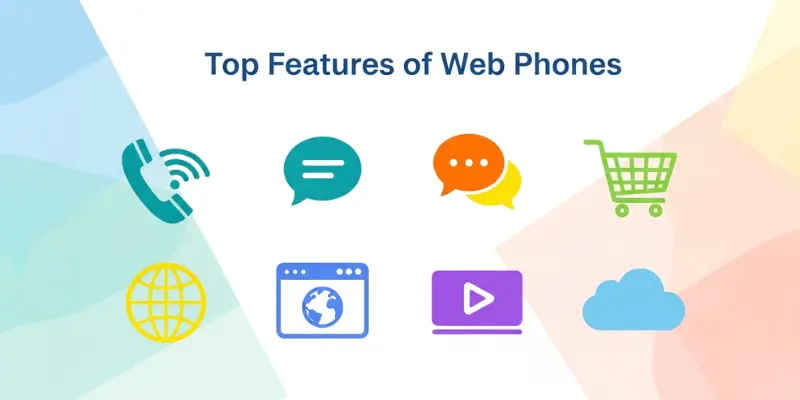
Top Features of Web Phones You Should Know
Web phones come with a range of features that make them convenient, flexible, and cost-effective. Here are some of the top features to keep in mind:
Voice and Video Calling
- Voice Calls: Web phones allow you to make voice calls using the internet, which can be much cheaper than traditional calls, especially for long-distance communication.
- Video Calls: Many web phones also support video calls, making them ideal for personal or professional video meetings. Apps like Zoom and Skype are popular for this.
Cross-Platform Compatibility
- Web phones work across different devices, including smartphones, tablets, and computers. Whether you’re at home or on the go, you can stay connected easily.
Text Messaging and File Sharing
- Many web phone apps also let you send text messages and share files like photos, videos, and documents—all within the same platform. This makes it more than just a calling tool.
International Calling
- One of the best features of web phones is the ability to make international calls at little to no cost. Services like WhatsApp, Skype, and Google Voice allow users to call internationally without hefty charges.
Low-Cost or Free Calls
- Web phones are often free or low-cost, especially for calls made within the same network (e.g., calling someone on WhatsApp or Skype). This is a significant advantage over traditional phone services.
Voicemail and Call Forwarding
- Many web phone services offer voicemail, call forwarding, and other traditional phone features, but with the added benefit of managing them from your app or computer.
Call Quality Enhancements
- Some web phone services automatically adjust call quality based on your internet speed, providing a better experience even in areas with slower connections.
Conference Calls
- You can set up conference calls with multiple people. This is especially useful for business meetings or group chats, all through the internet.
Integration with Other Services
- Web phones often integrate with other services, like calendars, email, and contact management apps. For example, Zoom can sync with your Google Calendar for easy meeting scheduling.
Security and Encryption
- Many web phone apps use end-to-end encryption to protect your calls and messages, offering an added layer of security, especially for sensitive conversations.
Why Choose a Web Phone? Key Benefits Explained
Web phones offer several advantages over traditional phones. Here are the key reasons why you should consider using a web phone:
Cost-Effective Communication
- Web phones can save you a lot of money, especially for long-distance and international calls. Many web phone services, like Skype or WhatsApp, allow you to make free calls within the same network. Even calls to landlines or mobile numbers are often cheaper than traditional phone services.
Flexibility and Convenience
- With web phones, you aren’t tied to a specific device. You can make and receive calls from your smartphone, computer, or tablet as long as you have an internet connection. This flexibility makes it easy to stay connected wherever you are.
Easy Integration with Other Services
- Web phones often integrate with other apps and services. For example, you can schedule calls through your calendar, send text messages along with making voice calls, or even share files like images or documents during a call. This makes web phones a one-stop communication solution.
Multiple Communication Features
- Unlike traditional phones, web phones offer much more than just voice calls. You can send texts, share files, conduct video calls, and even have conference calls with multiple people—all from the same platform.
Better Call Quality with a Strong Internet Connection
- Web phones offer high-quality calls, especially when your internet connection is fast and stable. Some services automatically adjust the call quality to match your internet speed, making the experience smoother even on slower connections.
How to Set Up Your Web Phone: A Simple Guide
A web phone lets you make calls over the internet, saving money and offering flexibility. Popular services like Skype, WhatsApp, and Google Voice allow voice and video calls from your phone or computer. To set up, simply download the app, create an account, and connect to the internet. Once set up, you can start making calls, sending texts, and sharing files with ease. Web phones are cost-effective, and they work across multiple devices, giving you the freedom to communicate anywhere.
Best Web Phone Applications for Everyday Use
Here are great apps you can use every day to make calls and stay in touch. Many people like these because they are easy, free, and work on phones and computers:
- WhatsApp – Used by millions. Great for voice and video calls. (Example: Sarah calls her family in another city for free.)
- Skype – Works well for longer video chats. (Example: John uses it for online meetings.)
- Google Voice – Lets you call and text with one number.
- Zoom – Best for group video calls and work meetings.
- Messenger – Works with Facebook and lets you talk and share photos.
Common Web Phone Issues and How to Fix Them
While web phones are convenient, you may run into a few issues. Here are some common problems and simple solutions:
Poor Call Quality
- Solution: Check your internet connection. A weak connection can lead to poor audio or video quality. Try moving closer to your Wi-Fi router or switch to a stronger network.
Dropped Calls
- Solution: Make sure your device has a stable internet connection. If you’re using mobile data, try switching to Wi-Fi for better stability.
Echoing or Feedback
- Solution: Use headphones with a built-in microphone to reduce feedback. If echoing persists, try adjusting the microphone settings or lowering the speaker volume.
Unable to Make Calls
- Solution: Ensure that you have entered the correct number or username. Also, check that your app is up-to-date and that you have sufficient credit or data for the call.
App Not Working
- Solution: Restart the app or your device. If it still doesn’t work, reinstall the app to fix any bugs.
Are Web Phones Safe? Understanding Security Concerns
Web phones are generally safe, but like any internet-based service, they come with some security concerns. Here’s a quick breakdown:
- Encryption
Many web phone apps, like WhatsApp and Skype, use encryption to protect your calls and messages. This means your conversations are scrambled, making it harder for anyone to listen in. - Privacy Risks
While encryption helps, personal data such as contacts or location could still be exposed if the app is not properly secured. Make sure to check the privacy settings and only share information with trusted people. - Public Wi-Fi
Using a web phone on public Wi-Fi can be risky, as hackers may try to intercept your calls. Always try to use a private and secure network. - Phishing Scams
Be cautious of phishing attempts, where scammers pretend to be from your web phone service and ask for personal information. Never share your account details with strangers.
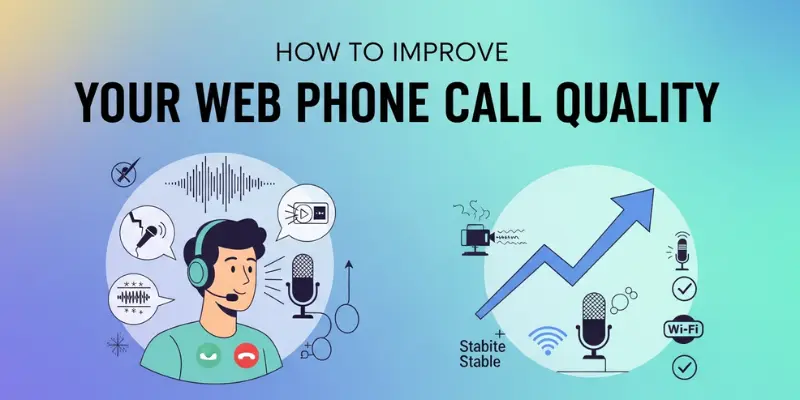
How to Improve Your Web Phone Call Quality
To improve your web phone call quality, ensure you have a stable and fast internet connection, preferably via Wi-Fi. Using headphones with a built-in microphone can reduce background noise. Close any unused apps to free up bandwidth, and make sure your web phone app is up to date for the best performance. If you’re on Wi-Fi, moving closer to the router can also improve your signal strength and call clarity. These simple steps can help you enjoy clearer and more reliable calls.
Why Switching to a Web Phone Could Save You Money
Switching to a web phone can save you a lot of money, especially on long-distance or international calls. Many web phone apps, like WhatsApp or Skype, offer free calls to other users, no matter where they are in the world. Even calls to landlines or mobile numbers are often cheaper than traditional phone services. Plus, you don’t need to pay for a separate phone line or expensive monthly plans. By using your existing internet connection, you can cut down on phone bills, making web phones an affordable communication option.
Frequently Asked Questions About Web Phones
Here are some common questions about web phones and their answers:
A web phone is a device or application that allows you to make voice and video calls over the internet, instead of using traditional phone networks.
No, you can use a web phone on any device with internet access, such as a smartphone, tablet, or computer.
Many web phone apps, like WhatsApp and Skype, offer free calls when both users are on the same platform. International calls may be free or low-cost depending on the service.
A stable internet connection with at least 1 Mbps for voice calls and 3 Mbps for video calls is recommended for clear, uninterrupted communication.
Yes, most web phone apps use encryption to protect your calls and messages. However, it’s important to use secure networks and be cautious of phishing scams.
Web phones may not support emergency calls (like 911 in the U.S.). It’s important to have a traditional phone for emergencies.
Yes, you can use mobile data to make calls through a web phone app. However, Wi-Fi is recommended for better call quality and avoiding data charges.
Conclusion
Web phones are a cost-effective, flexible, and convenient way to stay connected. With features like voice and video calling, text messaging, and file sharing, they offer much more than traditional phones. Whether you’re using apps like WhatsApp, Skype, or Google Voice, switching to a web phone can save you money, especially for long-distance or international communication. By understanding how to set up and use these services, you can enjoy clear, reliable calls and stay connected with ease. Just remember to ensure a strong internet connection for the best experience!






- Be Respectful
- Stay Relevant
- Stay Positive
- True Feedback
- Encourage Discussion
- Avoid Spamming
- No Fake News
- Don't Copy-Paste
- No Personal Attacks
- Be Respectful
- Stay Relevant
- Stay Positive
- True Feedback
- Encourage Discussion
- Avoid Spamming
- No Fake News
- Don't Copy-Paste
- No Personal Attacks
