Telemetry Software: Smart Data Tracking Made Easy
Published: 11 Feb 2026
Telemetry software collects data from devices, apps, and systems. It sends this data to one place for review. This helps teams track performance and fix problems fast. Today, telemetry software matters because systems run online all day. Businesses need live data to stay safe and fast. Without it, small issues can turn into big problems.
For example, fitness apps track your steps and heart rate. They send this data to their servers. The app then shows your progress in real time. Have you ever wondered how apps collect live data like this?
What Is Telemetry Software?
Telemetry software is a special tool that collects information from different devices, machines, or apps and sends it to one central place. It helps people, businesses, and organizations see how systems are working in real time. The software tracks things like speed, temperature, errors, or usage, making it easy to find problems quickly. For example, cars send engine data to service centers, so mechanics know what needs fixing before a breakdown happens. Hospitals, IT teams, and factories also use telemetry to stay safe, save time, and make better decisions. It’s like having a smart assistant always watching your systems.
How It Works in Easy Words
- Devices collect data like speed, heat, or errors.
- The software sends this data to a server.
- You see the results on a simple dashboard.
Real-Life Example
Cars send engine data to service centers. If something feels wrong, the system alerts the mechanic. This helps fix problems fast and keeps drivers safe.
Why Telemetry Software Is Important
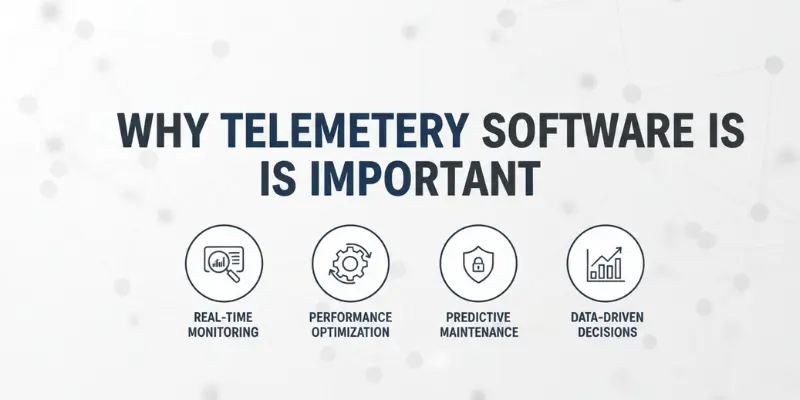
Telemetry software helps businesses and teams keep their systems healthy. It watches devices, apps, and networks in real time. If something goes wrong, it finds the problem early. For example, a factory machine can alert managers before it breaks, saving time and money. Hospitals use it to monitor equipment, and IT teams track servers. This helps everyone make faster, smarter decisions and keeps things running smoothly.
Helps Track System Health
- Finds problems early before they become big issues
- Improves system performance for smoother operation
- Saves time and money by preventing costly downtime
Supports Better Decisions
- Shows real-time data to understand what’s happening now
- Helps teams act fast with accurate information
- Improves user experience by keeping services reliable and smooth
How Telemetry Software Works
Telemetry software collects information from devices, apps, and sensors. It then sends this data safely to servers using the internet or networks. Once there, the software analyzes the data and turns it into clear reports and charts. For example, smart meters track electricity use and show trends over time. IT teams use it to spot server issues early. This helps businesses fix problems quickly and make better decisions.
Data Collection
- Gathers information from devices, apps, and sensors
- Example: Smart meters track how much electricity a home uses
Data Transfer
- Sends collected data safely to servers
- Uses the internet or local networks for fast delivery
Data Analysis
- Converts raw data into clear reports and charts
- Shows trends, alerts, and issues for quick action
Common Uses of Telemetry Software
Telemetry software is used in many areas to monitor devices and systems closely. In IT, it tracks app errors and server load to keep software running smoothly. In healthcare, it monitors patient vitals and helps doctors provide remote care. Vehicles use it to check engine health and sensor data, improving safety. By collecting and analyzing this data, teams can spot problems early and make smarter decisions every day.
In IT and Software
- Tracks app errors to prevent crashes
- Monitors server load for smooth performance
In Healthcare
- Tracks patient vitals like heart rate or blood pressure
- Supports remote care for doctors and nurses
In Vehicles and IoT
- Monitors engines, sensors, and fuel usage
- Improves safety and prevents breakdowns
Key Features of Good Telemetry Software
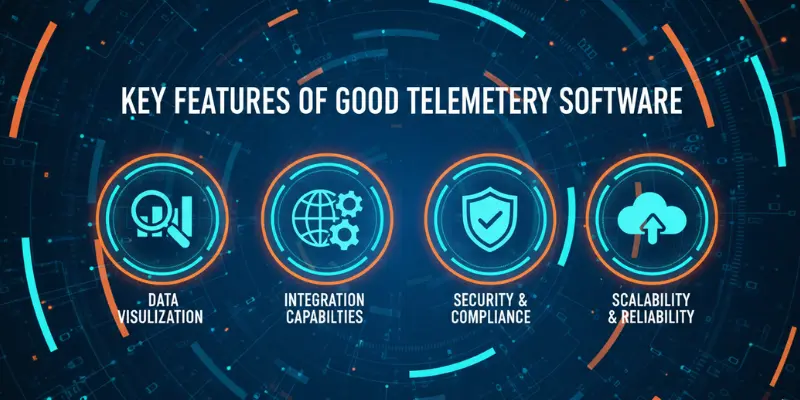
Good telemetry software has features that make it easy to watch and manage systems. It shows real-time dashboards so you can see data instantly. It sends alerts and reports when something goes wrong. The setup should be simple, without complicated steps. Strong security keeps your data safe. For example, a factory dashboard can show machine performance and alert managers if a motor overheats. Always choose tools that show clear charts and alerts to act fast.
Popular Telemetry Software Tools
Many telemetry tools help businesses and teams track data easily. Prometheus is popular among cloud teams for monitoring server health. Datadog shows real-time app and network performance. New Relic helps IT teams spot errors fast. OpenTelemetry collects data from different apps and devices in one place. These tools make it simple to see problems early and keep systems running smoothly every day.
- Prometheus
- Datadog
- New Relic
- OpenTelemetry
Benefits of Using Telemetry Software
Telemetry software helps teams fix problems faster by spotting issues early. This keeps systems running smoothly and improves uptime, so apps and devices stay available. It also helps businesses make smarter decisions using real data, like adjusting server loads or improving app features. For example, an online store can see slow checkout pages and fix them quickly. Hospitals can monitor patient devices to prevent emergencies. Using telemetry builds user trust, as services work reliably and safely. Overall, it saves time, reduces costs, and makes systems more efficient every day.
Key Benefits:
- Faster problem detection and resolution
- Better system uptime and reliability
- Smarter, data-driven decisions
- Improved user trust and satisfaction
- Reduced costs and wasted resources
Challenges and Limits
Telemetry software is powerful, but it has some challenges. Collecting too much data can be confusing. Setting up the system can take time, and privacy must be protected carefully.
Key Challenges:
- Data overload: Too much information can overwhelm teams. Example: Monitoring every server detail at once.
- Setup time: Installing and configuring software may take hours or days.
- Privacy concerns: Sensitive data must be secure. Example: Patient health data in hospitals.
How to Choose the Right Telemetry Software
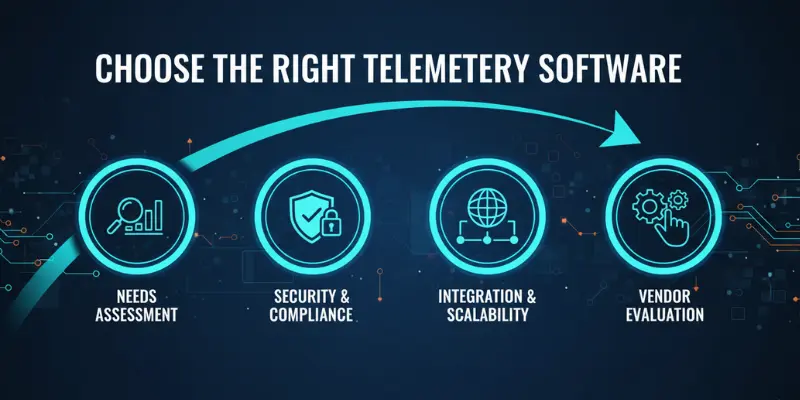
Choosing the right telemetry software can make a big difference. You need a tool that is easy to use, shows data in real time, and keeps your information safe. It should also fit your budget. The right choice helps teams act quickly, solve problems, and make smart decisions without stress.
Key Points to Consider:
- Check ease of use: Make sure the interface is simple. Example: Dashboards should be clear and easy to read.
- Look for real-time views: Data updates instantly for quick actions.
- Ensure strong security: Protect sensitive data like patient or financial info.
- Match your budget: Choose a plan that fits your resources.
Steps to Pick the Best Tool:
- List your needs clearly before starting
- Test free trials to see how it works.
- Compare features across different software options.
Best Practices for Using Telemetry Software
To get the most from telemetry software, focus on tracking only the data that matters. Collecting too much information can be confusing and waste time. For example, an IT team might monitor server load and error rates but ignore minor background processes. This keeps dashboards clean and makes problems easy to spot.
It’s also important to set alerts wisely and review reports regularly. Alerts should notify you only when action is needed. Checking reports weekly helps teams spot trends and improve performance. Hospitals, factories, and online services all benefit from this approach.
Key Best Practices:
- Track only useful and important data
- Set alerts smartly to avoid overload.
- Review reports weekly to spot trends and issues.
- Focus on actionable insights for faster decisions
Frequently Asked Questions About Telemetry Software
Many people have questions about telemetry software. It’s normal to wonder how it works, who needs it, and if it’s safe. Here are some simple answers to common questions.
It is a tool that automatically collects and sends data from systems for monitoring and analysis.
It measures data from devices, sends it to a server, and shows results so teams can act.
It collects metrics like performance, errors, and usage data to improve systems.
It can be safe if strong security is used, but privacy settings matter.
It helps fix problems early and improve apps or devices before users notice issues.
It gathers things like performance metrics, errors, and usage details from devices and systems to help teams understand how things are working.
Many tools let you choose what data to share or turn telemetry off in settings. This can help protect privacy while still getting useful insights.
Conclusion
Telemetry software is a powerful tool that helps businesses, IT teams, hospitals, and manufacturers monitor systems and devices easily. It collects important data, shows it in real time, and helps teams spot problems before they become serious. Using telemetry improves system performance, saves time, reduces costs, and builds trust with users. By choosing the right software, following best practices, and tracking key metrics, anyone can make smarter decisions and keep systems running smoothly every day. Whether it’s monitoring servers, vehicles, or medical devices, telemetry makes life simpler and safer.





- Be Respectful
- Stay Relevant
- Stay Positive
- True Feedback
- Encourage Discussion
- Avoid Spamming
- No Fake News
- Don't Copy-Paste
- No Personal Attacks
- Be Respectful
- Stay Relevant
- Stay Positive
- True Feedback
- Encourage Discussion
- Avoid Spamming
- No Fake News
- Don't Copy-Paste
- No Personal Attacks
